From UI Demo Review to AI-Enhanced Content: A Technical Journey with Project Sveltos, Loom, NotebookLM, LumaLabs, Gamma and Descript
Last week brought an unexpected challenge: what was supposed to be a simple video review of Project Sveltos' new UI turned into an exciting exploration of AI-powered content creation. 🎥 On the surface, the task seemed simple—just a UI walkthrough, highlighting cluster filtering, detailed views, problem detection, and an innovative feedback system. Easy, right?
Not quite! things quickly spiraled into something much bigger.
Let me rewind. For a while now, I’ve been tinkering with Project Sveltos—a powerful tool for managing Kubernetes. 🧠 Think of it as a master controller that eliminates the chaos of managing add-ons and applications across multiple clusters. It's a real game changer for anyone handling Kubernetes workloads.
Step 1 was recording the video review. I used Loom , a screen recording software recently acquired by Atlassian which is gaining popularity for its simplicity and efficiency. 💡 In just minutes, you can record and share high-quality screen and video footage, making it ideal for asynchronous communication, especially in remote teams or for quick demos. What I love is its AI features, like automatically cutting out silences and filler words or even letting you edit the video by simply editing the transcript.
Curious? Check out my review of Sveltos' UI using Loom here: https://youtu.be/U45HteArww8

Sveltos UI Launch Review created with Loom
Here’s where the plot thickens: I thought, "Why not take this further and mix in some more AI?" So, I experimented with NotebookLM, which promised to generate conversations on any topic. Naturally, I had to test it out.
Spoiler: It didn’t disappoint. NotebookLM crafted a lively dialogue between two virtual participants, diving deep into Sveltos' capabilities:
Streamlined management of applications and add-ons across multiple clusters ⚙️
Support for app deployment via Helm charts and YAML/JSON 📝
Template-based design for faster, easier rollouts 🚀
Multi-tenancy features for diverse teams 👥
Smart deployments triggered by specific conditions
You can check out the result here: https://notebooklm.google.com/notebook/876be9e2-0939-4201-8450-09aa909bb84b/audio
However, NotebookLM's output is pure audio, perfect for podcasts 🎧, a medium I personally enjoy when driving. Yet, I’m not spending much time on the road these days. So, I thought, "What if we could visualize this conversation? That’s when I brought in LumaLab and Descript to transform the audio into a visual experience. 🎥✨
You can check out the result here: https://youtu.be/X-K0D70xmVk?si=-e3XL_Bil2ujPytw

AI-generated video created with LumaLabs
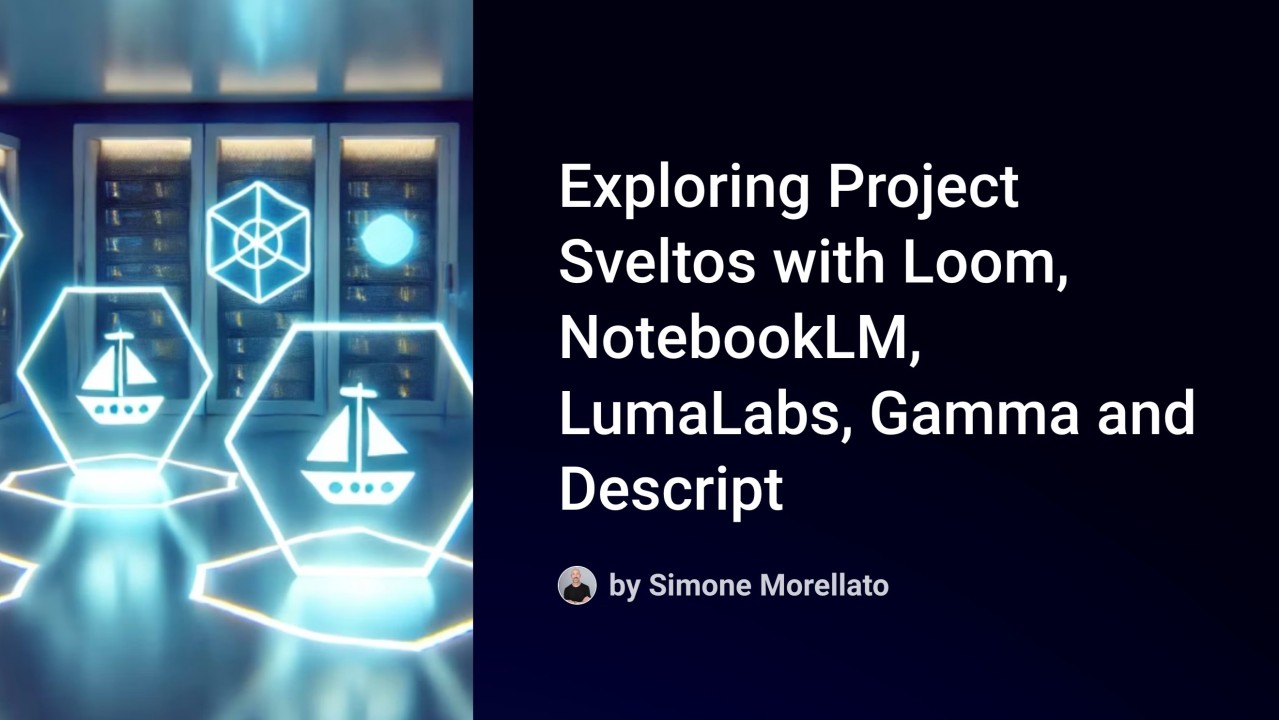
And finally, to generate this article, I needed an image. Why not take it a step further? I decided to hand it over to Gamma to create a slide presentation and see how it would handle crafting the title slide. I liked the AI-generated image it created, but it only included Kubernetes logos. So, I headed over to OpenAI #ChatGPT to add some Sveltos logos. Here’s the result:

Title Image created with Gamma and ChatGPT
To wrap things up, I used Anthropic Claude.ai for copy editing this article.
This project reminded me how AI continues to evolve, helping us create content in unexpected ways and making even complex technical topics more accessible to a broader audience.